2008年12月11日 星期四

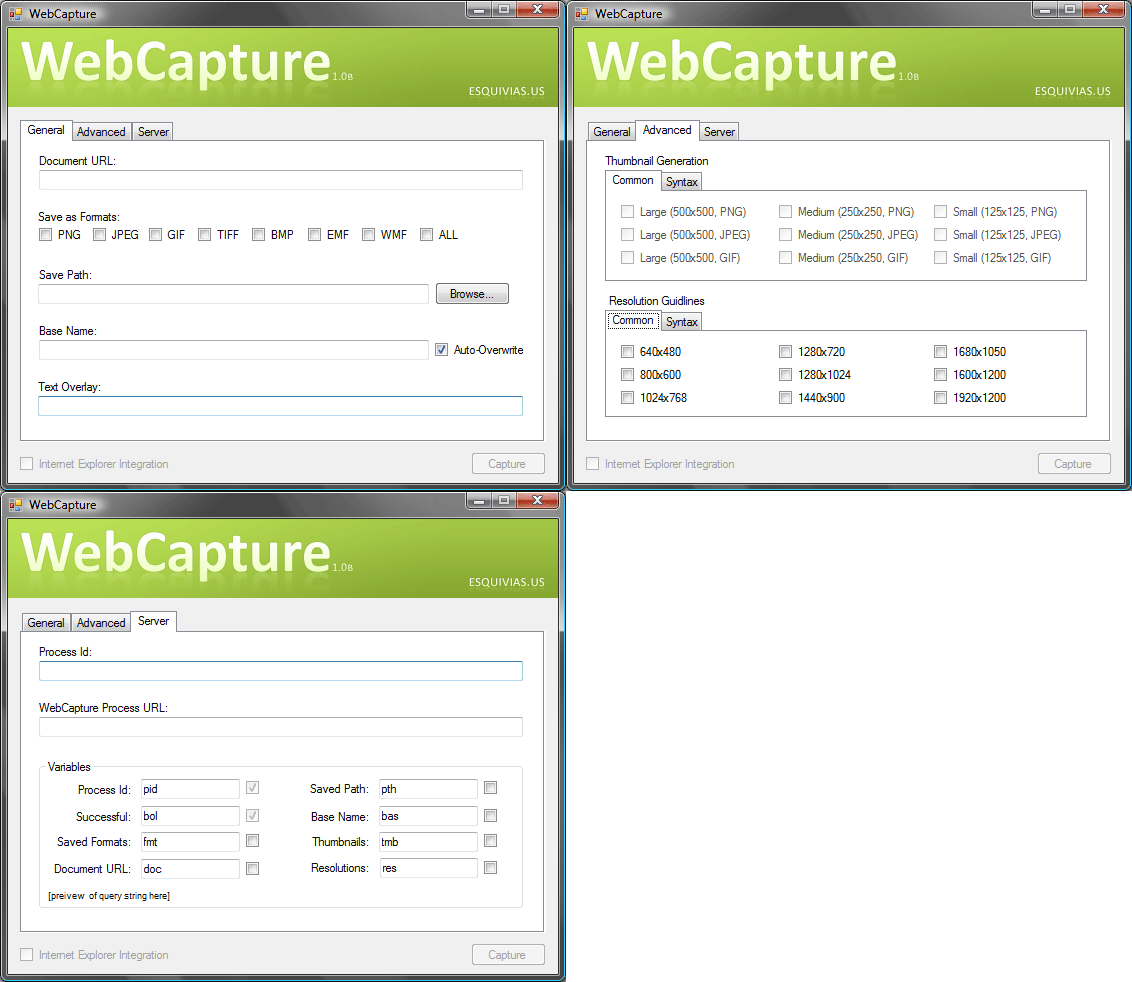
Web Capture

在Firefox中, 可以用套件把整個web畫面給capture成JPG/PNG等圖檔, 而不需另用snagIt之類的螢幕擷取軟體.
但是也要打開firefox才行, 外部程式跟firefox的異質性整合似乎不是一件simple的事情.
在.Net Framework中, 1.1版尚未納入web browser進入managed code, 但在.net 2.0裡已經可以使用了.
(還在1.1的時候還得include DLL進來, 真是發神經@#%^&*&^%$@)
.net 2.0提供方便使用的web browser component, 這當然是指微軟派的IE啦, 如此, 寫一隻console mode程式便也可以call IE再背景並render 所有網頁元素, 此時整個網頁load完成時便可觸發complete事件, 於是乎, 再使用便利的.net提供的function call即可把整張render好的網頁"draw to bitmap" !!
有了bitmap raw檔, 便可存成任意格式的圖檔摟.

(Code Project: Capture Entire Web Page)

http://www.codeproject.com/KB/vb/WebCapture.aspx

但是也有更簡潔的程式, Console就可以執行, IECapt

-----------------------------------------------------------------------------

Usage: IECapt --url=http://www.example.org/ --out=localfile.png

-----------------------------------------------------------------------------

 --help                      Print this help page and exit

 --url=                 The URL to capture (http:...|file:...|...)

 --out=                The target file (.png|bmp|jpeg|emf|...)

 --min-width=           Minimal width for the image (default: 800)

 --max-wait=             Don't wait more than (default: 90000, inf: 0)

 --delay=                Wait after loading (e.g. for Flash; default: 0)

 --silent                    Whether to surpress some dialogs

-----------------------------------------------------------------------------

http://iecapt.sf.net - (c) 2003-2008 Bjoern Hoehrmann -

只需要提供網址以及儲存檔名跟附加選項, 就可以很容易被其他程式外部呼叫. 雖然這是一隻獨立的Win32 Exe, 但是現在各語言已經有提供外部呼叫程式並等待其結束後再返回原有程式繼續執行. Java使用時亦很方便.

Process proc = Runtime.getRuntime().exec("exec command string");
int exitValue = proc.waitFor();
http://iecapt.sourceforge.net/

How to read size and resize image without graphics (Thumbnail)

現今操作圖片都是使用java awt, awt裡提供getScaleInstance, 這個被批得半死, performance差的要死, 所以陸續其它人提出一些方式, 再測試過那些方式之後, 發現java 早在1.1的時代, 就有JIMI, 不知道是不是因為太舊了, 所以大家都把他遺忘了, 而改去用後來的ImageIO.
Java Image Management Interface, JIMI
要使用JIMI就如JMF一樣, 先到http://java.sun.com/products/jimi/
下載jar檔回來即可import.
/**
 * Insert the method's description here.
 * Creation date: (8/12/01 6:28:37 PM)
 */
void writeWithResizeMediaTracker()
{
try
{
Image inImage = new ImageIcon("input.jpg").getImage();
//
int maxDim = 120;
double scale = (double) maxDim / (double) inImage.getHeight(null);
if (inImage.getWidth(null) > inImage.getHeight(null))
{
scale = (double) maxDim / (double) inImage.getWidth(null);
}
// Determine size of new image.
//One of them
// should equal maxDim.
int scaledW = (int) (scale * inImage.getWidth(null));
int scaledH = (int) (scale * inImage.getHeight(null));
//
//
System.out.println(">> " 
+ inImage.getSource().getClass() 
+ " aspect ratio = " 
+ scaledW + " , " + scaledH);
Image img = inImage.getScaledInstance(scaledW , scaledH, Image.SCALE_SMOOTH);
File outputFile = new File("output.jpg");
outputFile.delete();
JimiRasterImage raster = Jimi.createRasterImage(img.getSource());
FileOutputStream fos = new FileOutputStream(outputFile);
Jimi.putImage("image/jpeg", raster, fos);
fos.flush();
fos.close();
}
catch (Throwable t)
{
t.printStackTrace();
}
}
Usage:
Input: input.jpg
Output: output.jpg
MaxDim: 最大長邊的pixel數
Thx for Kaan: http://home.tiscali.nl/~bmc88/java/sbook/ http://home.tiscali.nl/~bmc88/java/sbook/0132.html